
User Dashboards & Client Portals
We develop user dashboards and client portals with data management, payments, roles, and integrations.
A user dashboard is an interface where users interact with a service, manage their data, orders, payments, and settings. It is a key component of modern digital products.
A client portal combines functionality, personalization, and access to data, providing a convenient way for users to interact with a system.
01When businesses need user dashboards
User dashboards are essential when users regularly interact with a service and need access to personal data and features.
- SaaS platforms
- E-commerce systems
- Financial services
- Customer management systems
- Subscription-based platforms
02What user dashboards solve
User dashboards make interactions with a service structured and convenient.
- Access to personal data
- Order and service management
- Payment handling
- Profile settings
- Support interaction
03Key components
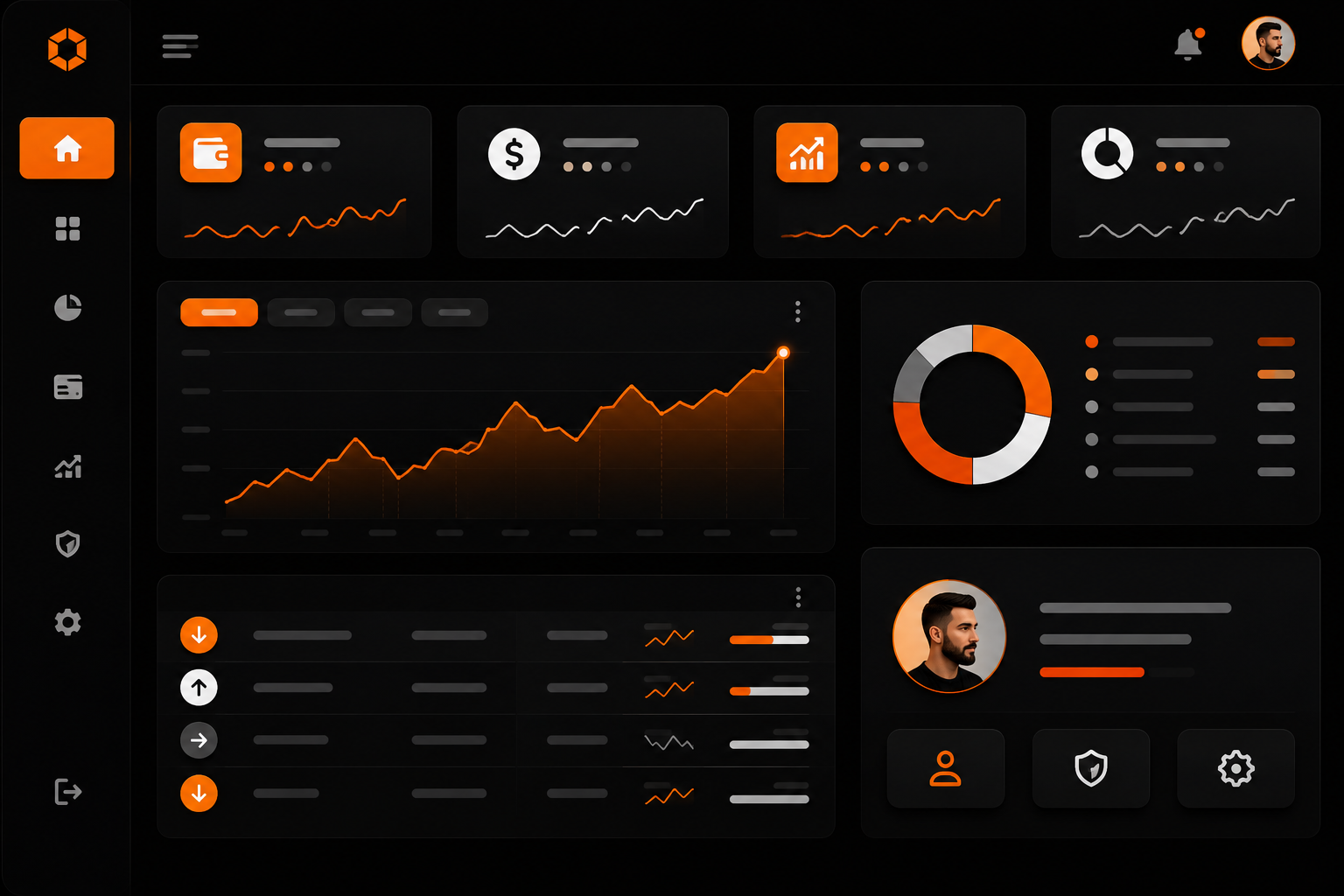
A user dashboard consists of several important elements.
- Main dashboard overview
- User profile
- History of actions or orders
- Payments and subscriptions
- Notifications
- Settings and security
04What we can build
We build user dashboards with a focus on usability, security, and business logic.
- Modern UI/UX interfaces
- Flexible role and permission systems
- Integrations with CRM, billing, and APIs
- Payment functionality
- Notification systems
- Analytics and statistics
- Mobile responsiveness
05UX and personalization
A good dashboard should be intuitive, fast, and tailored to user needs.
- Personalized data
- Clear navigation
- Quick access to key features
- Responsive design
- Minimal user effort
06Development process
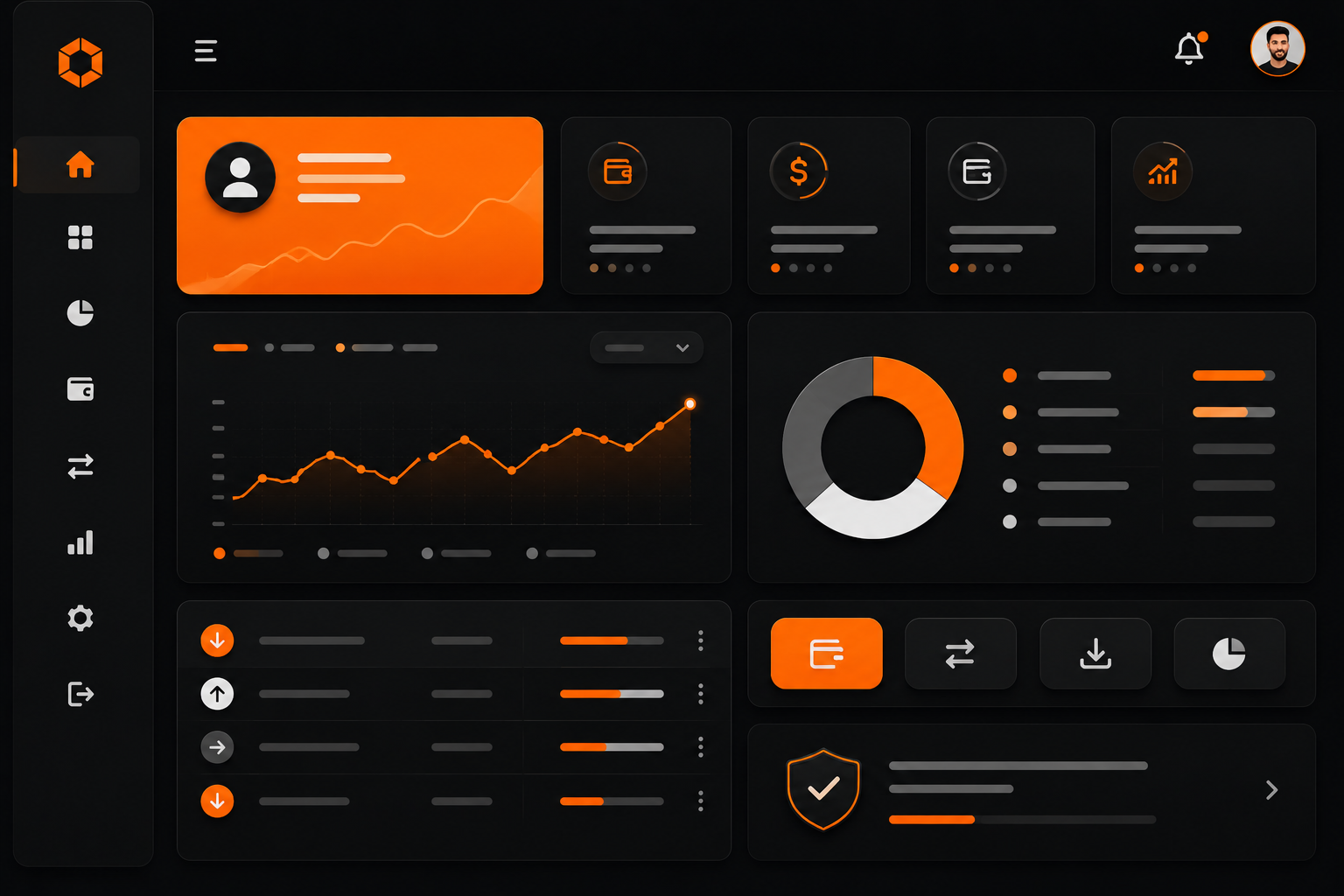
Developing a dashboard requires understanding user flows and business logic.
- User and scenario analysis
- UX and structure design
- UI design
- Frontend and backend development
- System integrations
- Testing and launch
07Why it must be done right
A poorly designed dashboard complicates user experience and reduces engagement.
A well-designed interface improves usability, retention, and customer satisfaction.
08Business results
A user dashboard becomes the central interaction point with customers.
- Better user experience
- Higher retention
- Reduced support workload
- Increased repeat usage
- Scalable product growth

Consultation request
Want to discuss a solution for your business?
Describe the task, and we will help define the architecture, implementation stages, and a practical delivery plan.