
CMS
We develop and implement CMS solutions that allow easy management of content, pages, and data without coding.
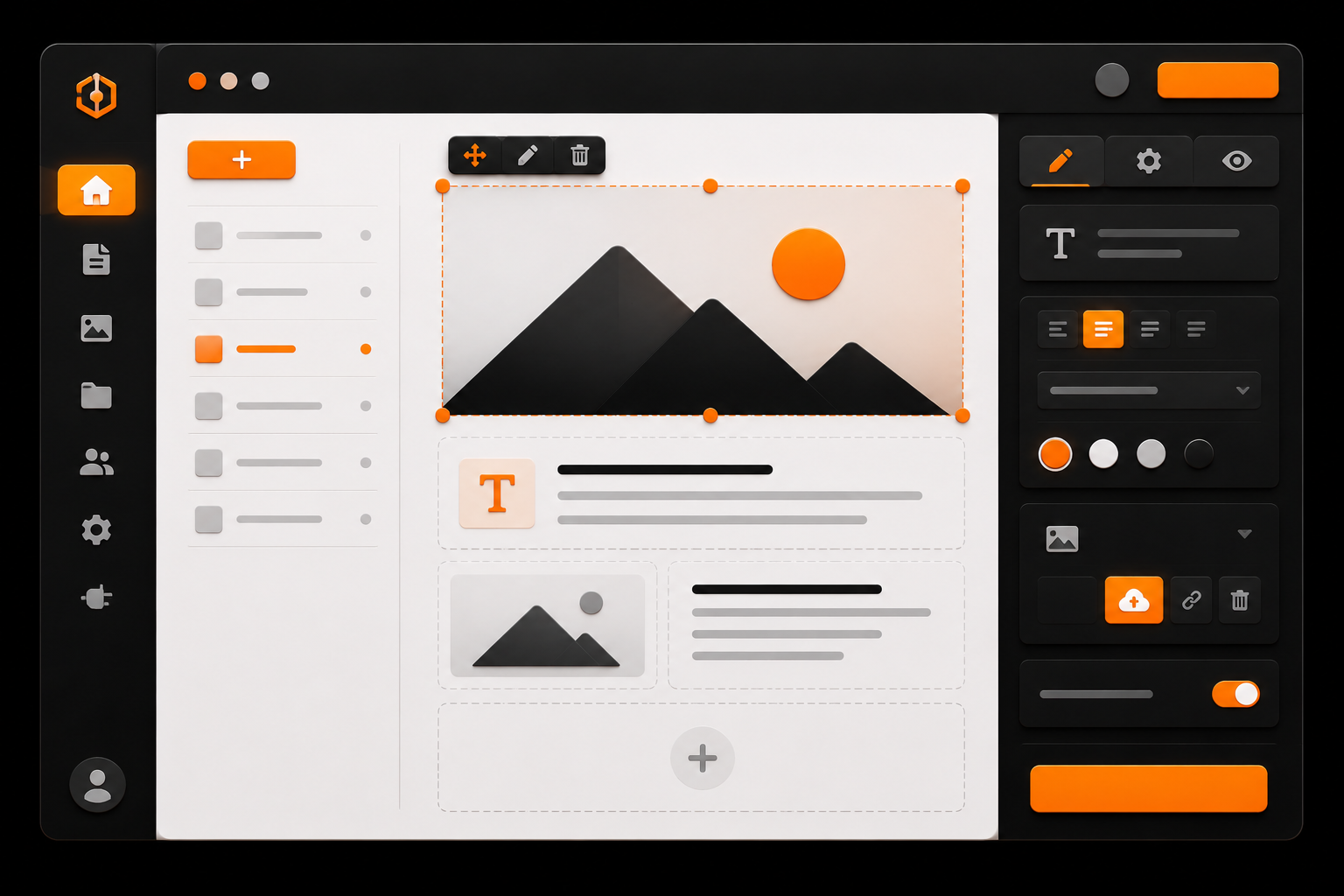
A CMS (Content Management System) is a tool that allows users to manage website content without the need for developers. It enables editing pages, text, images, products, and other data through a user-friendly interface.
A CMS is essential for businesses that want to independently manage and grow their website or digital product without constant development involvement.
01When a business needs a CMS
A CMS is required when content needs to be updated regularly and the team should be able to manage it quickly and efficiently.
- Frequent content updates
- Publishing news, articles, or case studies
- Managing products or services
- Multiple team members working with content
- Editing without developer involvement
02What problems a CMS solves
A CMS simplifies website management and allows businesses to quickly adapt to changes and launch new content.
- Content management
- Editing pages without code
- Centralized data control
- Role-based access control
- Faster updates
03Types of CMS
Depending on the project, CMS solutions can differ in architecture and capabilities.
- Traditional CMS (WordPress, Joomla, etc.)
- Headless CMS (API-first approach)
- Custom CMS solutions
- CMS inside web applications or SaaS
04What we can build
We develop CMS solutions with a focus on usability, structured data, and future scalability.
- Admin panels
- Flexible content structure
- Content editors (e.g., Editor.js)
- Multilingual support
- Roles and permissions
- External integrations
- SEO settings for pages
05Headless CMS approach
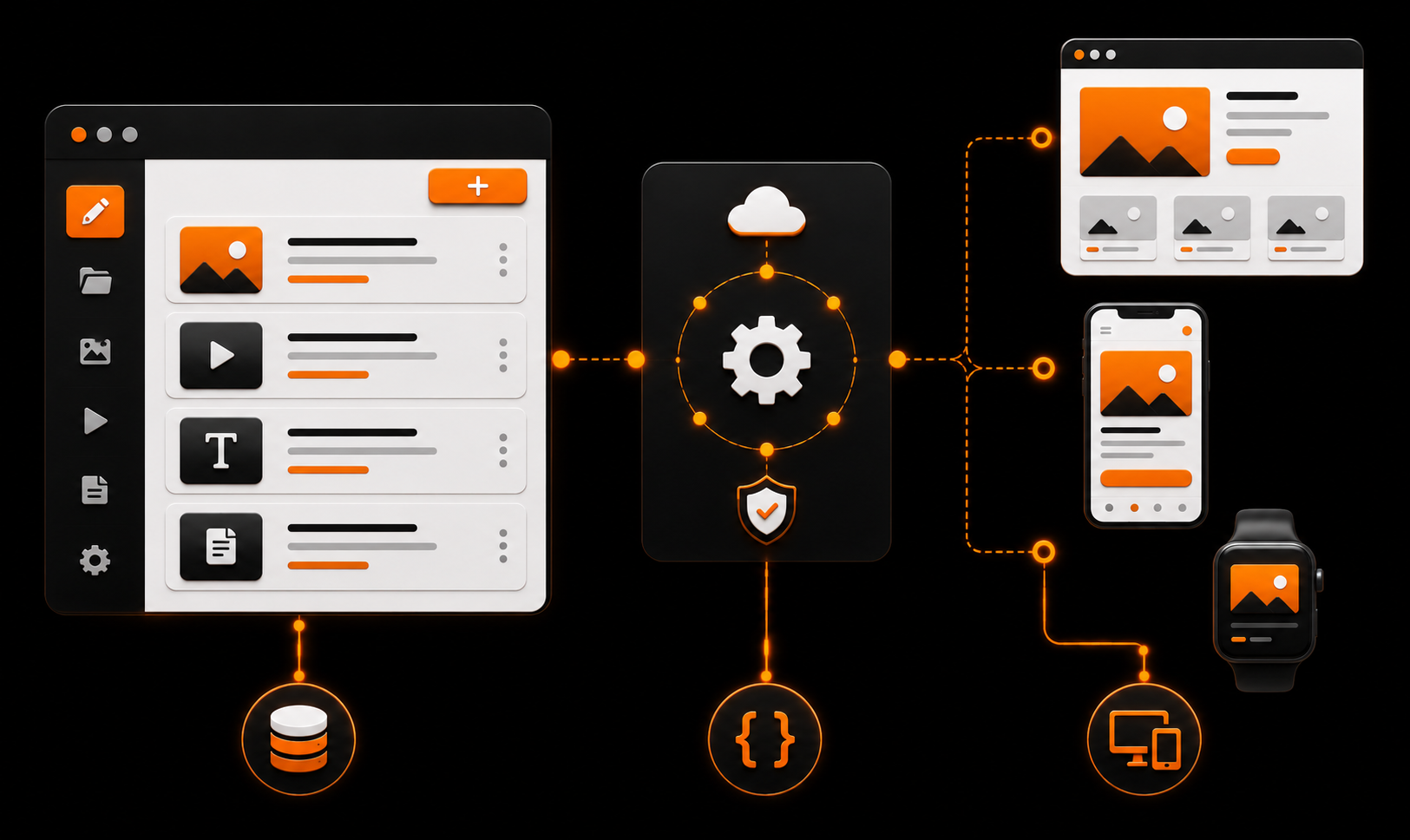
Modern projects often use headless CMS, where the CMS manages data and the frontend (e.g., Next.js) handles presentation.
This approach enables high performance, flexibility, and scalability across multiple platforms.
- Separation of frontend and backend
- Flexible development
- High performance
- Easy API integrations
- Support for multiple platforms (web, mobile)
06Development process
CMS development starts with designing the data structure and admin interface, as usability depends on it.
- Content structure analysis
- Data model design
- Admin interface development
- Frontend integration
- Testing and team onboarding
- Launch and support
07Why custom CMS matters
Off-the-shelf CMS solutions can limit project capabilities, especially when custom data structures or integrations are required.
A custom CMS allows full alignment with business processes, improving efficiency and flexibility.
08Business result
A CMS gives businesses full control over content and allows quick updates without unnecessary costs.
- Fast content updates
- Reduced dependency on developers
- Improved team efficiency
- Flexibility and scalability
- Time and cost savings

Consultation request
Want to discuss a solution for your business?
Describe the task, and we will help define the architecture, implementation stages, and a practical delivery plan.