
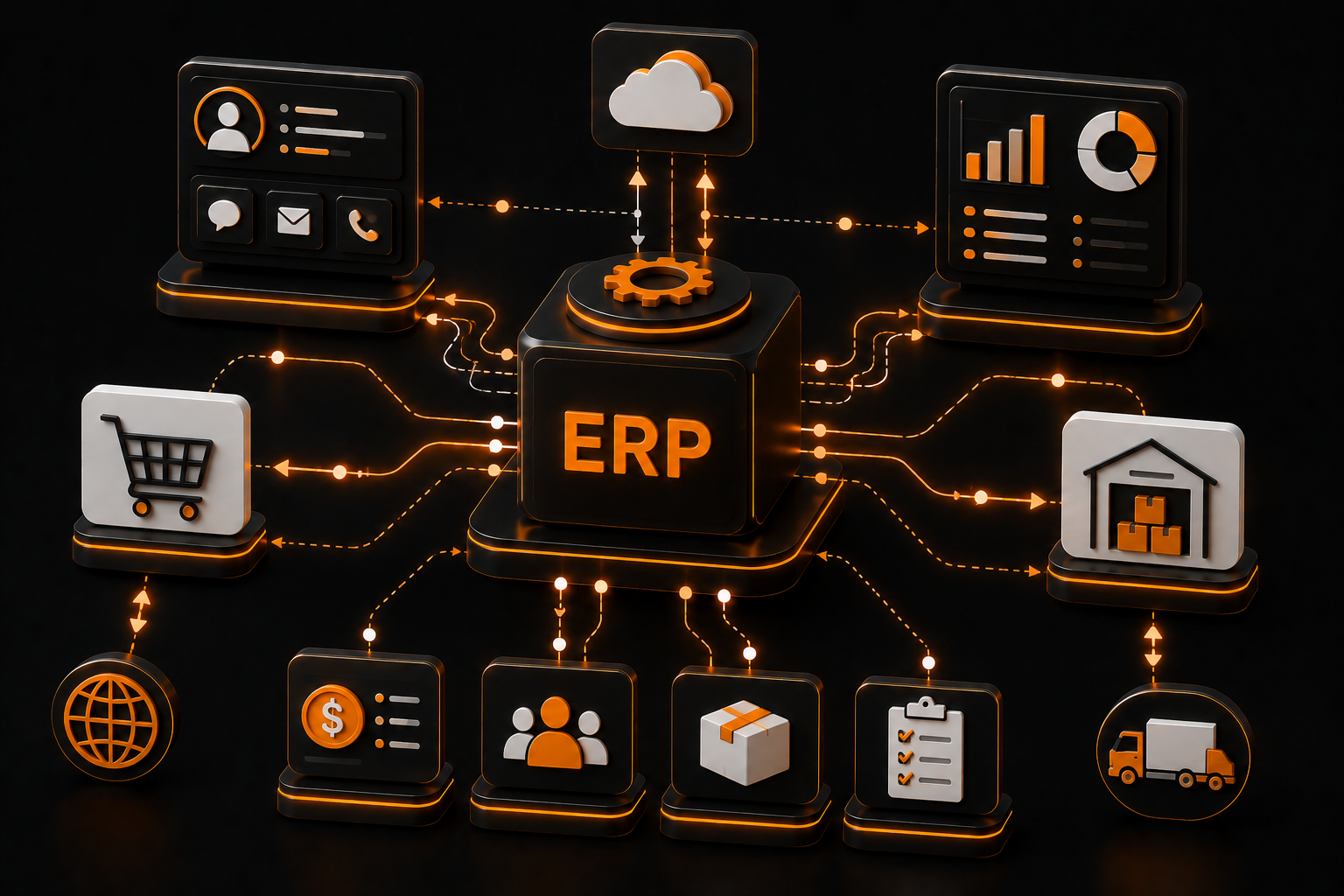
ERP Integrations: Connecting Internal Business Systems
In many companies, data is stored across multiple systems: CRM, accounting, inventory, and websites. Without integration, this leads to duplication and errors. ERP integrations unify these systems.
Why integrations matter
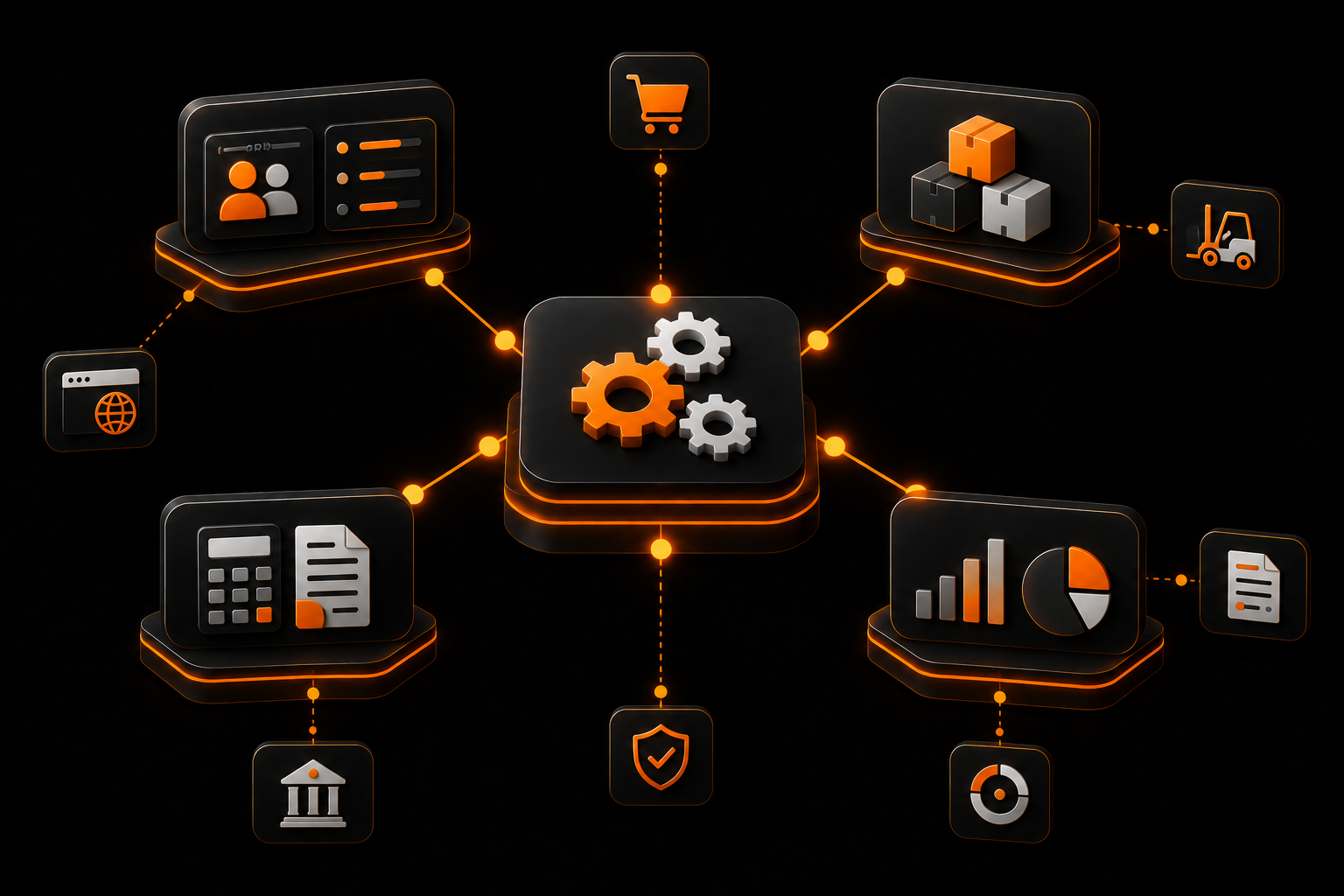
Integrations synchronize data and automate workflows between systems.
- unified data
- data synchronization
- error reduction
- process acceleration
Systems to connect
ERP integrations can involve multiple internal systems.
- CRM system
- accounting
- inventory and logistics
- website and eCommerce
How integration works
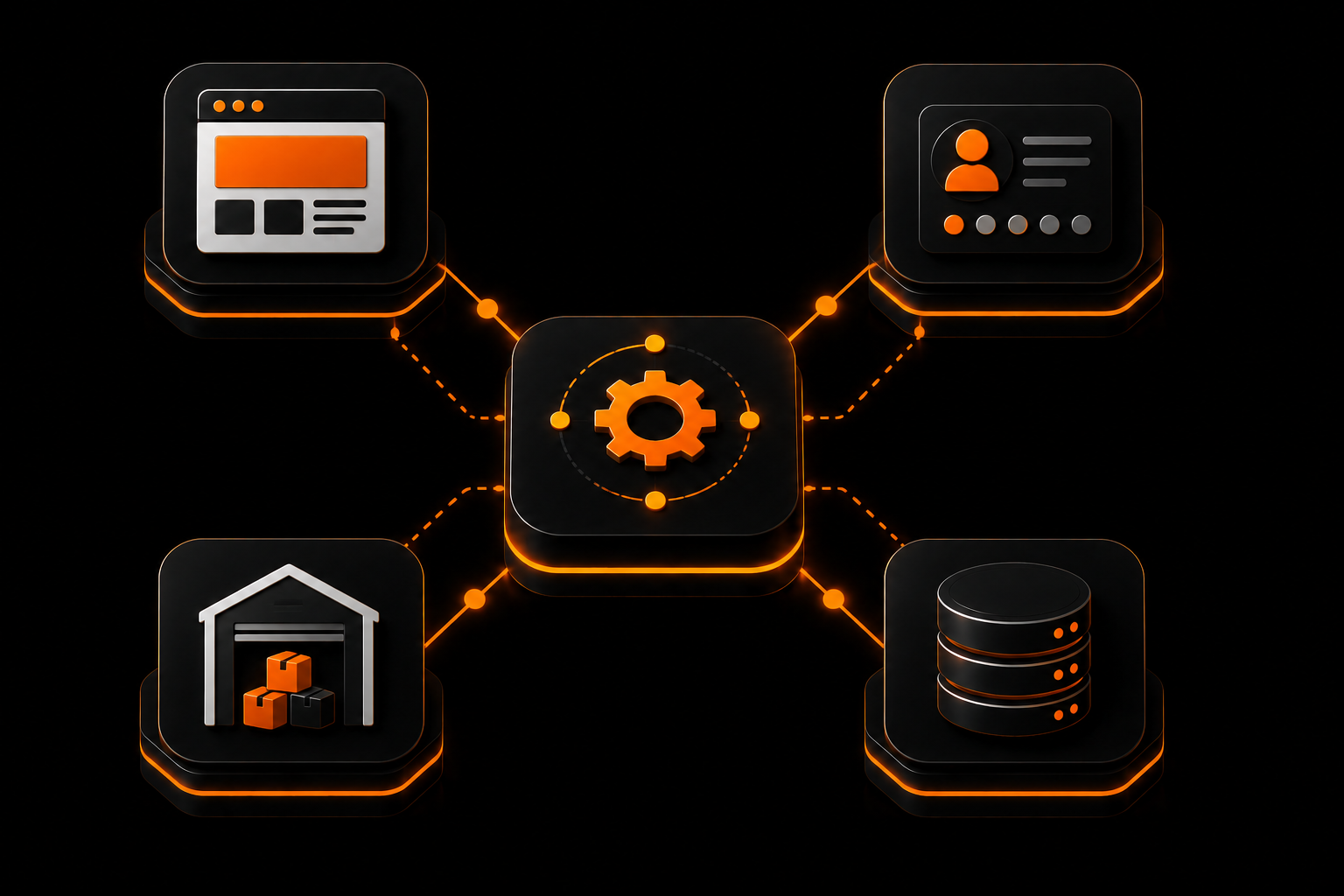
Systems are usually connected via APIs or data exchange mechanisms.
- REST APIs
- message queues
- scheduled synchronization
- webhooks
Integration challenges
Each system has its own specifics that must be considered.
- different data formats
- API limitations
- error handling
- real-time sync complexity
Results
Proper integration creates a unified management system.
| Process | Without integration | With integration |
|---|---|---|
| Data | Fragmented | Unified |
| Errors | Frequent | Minimal |
| Speed | Low | High |
What to consider
A common mistake is building integrations without architecture.
Important
Integrations should be part of a well-designed system architecture.
Conclusion
ERP integrations unify business processes and create a single digital ecosystem.